Is Gimp A Better Alternative For Making 2D Character Besides Blender?

Hi, Ajani from BrothersWhoCdoe, and I’ll be talking about Gimp and blender.
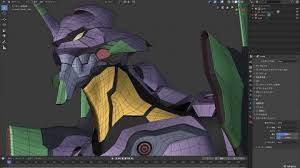
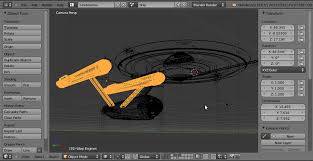
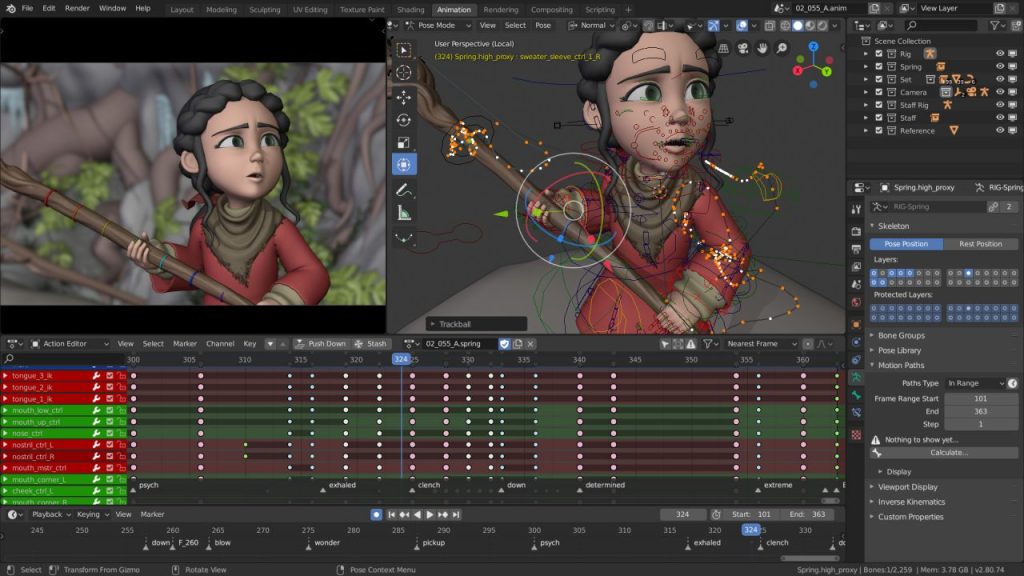
 Blender is an Open source 3D modeling software used on mac and windows. The features include a video editor, Skeletal Animation, and Rendering.
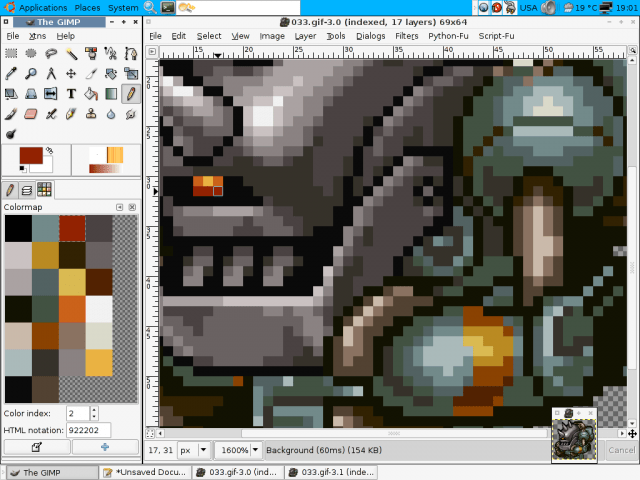
 Gimp, on the other hand, is more like photoshop, However, gimp is free on charge. 
 Blender may have the best features on this list, but it’s not so good for making 2D Characters. Gimp provides all the tools you need to make your character.

  My most memorable experience was using gimp. On the other hand, Blender is just too complicated for beginners to use almost all its features are too hard for beginners to use.

So if you have experience with 3D modeling software, Blender is the best option but, if you are beginners then give gimp a try.

There are plenty of tutorials for blender if you want to get started with 3D modeling, video editor, Skeletal Animation.

 Brotherswhocode website 

http://brotherswhocode.dev

How To Start Coding Without Laptop Or Pc

Hi, It’s Hasani and today I will show you how to start coding, without a laptop or pc. Let’s jump right into it!

 I suggest you buy an android, make sure you get one with a keyboard. Download spck editor and you’re done! Spck editor was my first text editor and its beginner-friendly. You may experience one problem that is once every update it deletes your code if you do not save it.(the image shows the model of the android)

If you want you do not have to get spck editor there are more editors out like: quoda, quick-edit, and Dcoder, By the way, all the apps I named are free on the Google Play Store,

That’s it for How To Start Coding Without Laptop Or Pc Thanks for reading all this and if you like Brotherswhocode go to our website http://brotherswhocode.dev and see you later

Top 3D modeling applications

Hi, Ajani from brotherswhocode, and today I’m going to tell you about the top 3D modeling software.

1:Blender 

Blender is a 3d modeling software used for video editing, animations, visual effects and much more. It’s free to use on windows and mac and is one of the best options to use for beginners.

2:Houdini 

Houdini is particularly used for creating simulations of clouds, smoke, or fire as well as fluids and cloth. Houdini provides all the editing tools expected in 3D software but is most known for its VFX tools and the node-based procedural nature of its workflow.

3:Cinema 4D

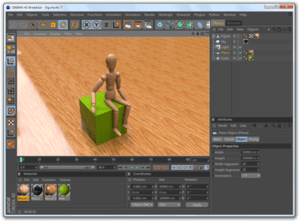
Cinema4D is a modeling, animation and rendering application that is great for procedural and polygonal/subd modeling, animating, lighting, texturing and rendering.

Thank You For Reading This And Make Sure if you Like brotherwhocode To Visit Our Website brotherswhocode.dev And See You Later.

Top 3 Animation Frameworks For Html An Css

Hi guys and today I’m going to name 3 Animation Frameworks for HTML and CSS, Let’s begin with number 3.

Number 3 GSAP: GSAP is an Animation library that helps you create performant Animation. GSAP can also animate anything JavaScript can create like CSS properties, SVG, React, canvas, generic objects, whatever, it also solves countless browser inconsistencies, all with blazing speed up to 20x faster than jQuery.

Number 2 Uikit: Uikit is A lightweight and modular front-end framework for developing fast and powerful web interfaces,

The user interface is the key to making a website and Uikit targets the user interface first, that is why it is so powerful because of the interface, how fast it is and, the looks.  

Number 1 Anime.js: Anime.js is a lightweight JavaScript animation library with a simple, yet powerful API, It works with CSS properties, SVG, DOM attributes and JavaScript Objects, One thing it can do is Animate multiple CSS transforms properties with different timings together on a single HTML element making awesome animations.

Thank You For Reading This And Make Sure if you Like brotherwhocode To Visit Our Website brotherswhocode.dev And See You Later.

Canva Software Is A Great Alternative To Photoshop

Hi, Ajani from brotherswhocode here, and today ill show you what applications you can use to create thumbnails for youtube completely free.

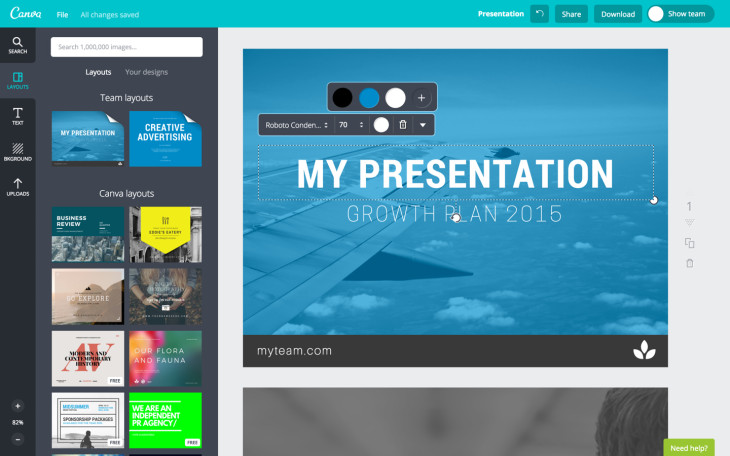
Canva, Canva provides businesses, organizations, and even individual professionals with a very simple design platform that allows you to create amazing and professional quality graphic designs. This online design solution offers a throng of powerful features, including a simple drag-and-drop design tool and a vast collection of over 1 million photographs, icons, shapes, graphics, and fonts.

I have a lot of experience with Canva, it’s useful for making cool designs for your presentation. The sky is limit when using Canva, look out for our awesome thumbnails on our YouTube channel and other social media platforms. I highly recommend that you check canvas out it’s free to use on android, PC, and ISO.

BrothersWhoCode

Best game engines for Pc and Android!

 Today, I will review a couple of PC and Android game engines that work well for beginners.  

Let’s go!

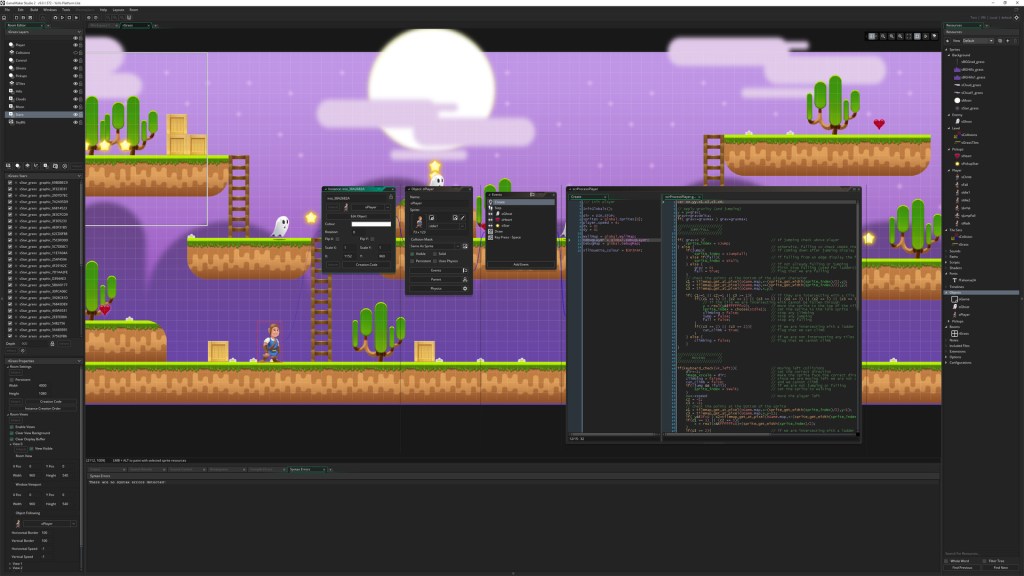
1 Android: Game Maker Studio. GameMaker gives the creation of cross-platform and multi-genre video games using a custom drag-and-drop. A visual programming language, or a back end language like PHP, Javascript. Technologies that can be used to develop more advanced games, which could not be created just by using the drag and drop features. (so visual programming and back end languages are recommended)

2 PC: Unity! Unity is a cross-platform game engine developed by Unity Technologies. Announced and released in June 2005 at Apple Inc.’s Worldwide Developers Conference, Mac OS X-exclusive game engine. As of 2020, the engine had been extended to support more than 25 platforms. The engine can be used to create three-dimensional, two-dimensional, virtual reality, and augmented reality games as well as simulations and other experiences. 

 Please visit our website brotherwhocode.dev!

Top 5 Websites To Get Color Schemes From

Hey, guys, it’s Hasani of Brotherswhocode today I’m going to show you my top 5 websites to get color schemes from, Let’s get started.

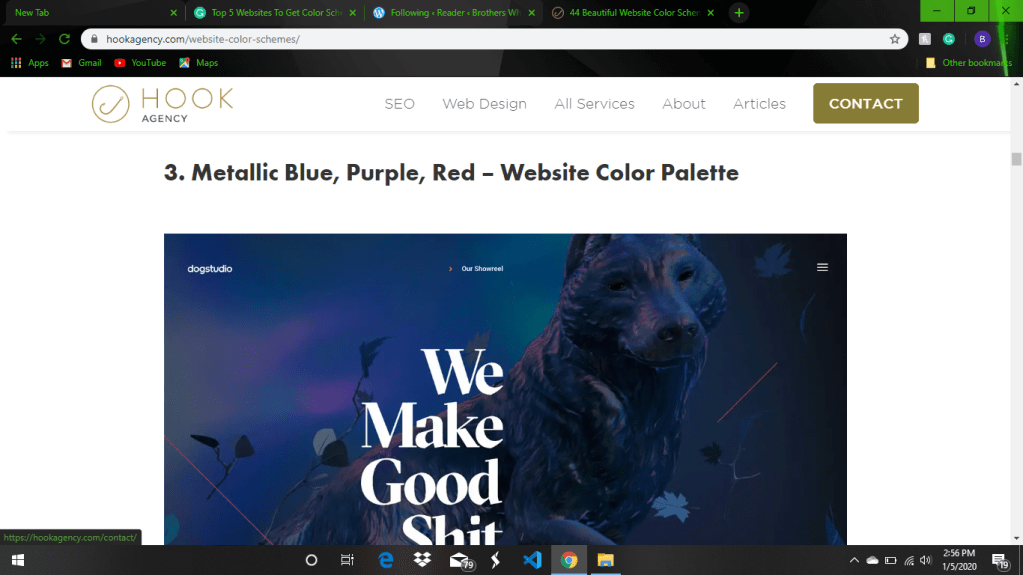
Number 1: Hook Agency, this one is suggested for all you, Hook Agency has professional color schemes you will not find anywhere else. Copy the color you like and you’re finished. (here is an example)

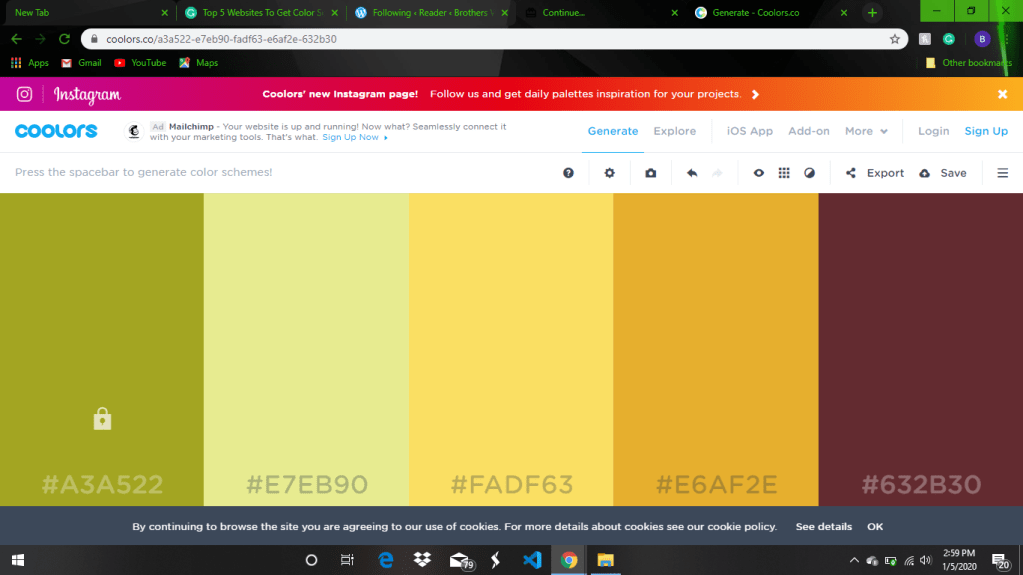
Number 2: Coolor.co, Coolor.co is a color scheme generator to make up to 5 colors for one website scheme, or if you don’t want to make a scheme there are over 1.676.914 ready for you to use. (like this)

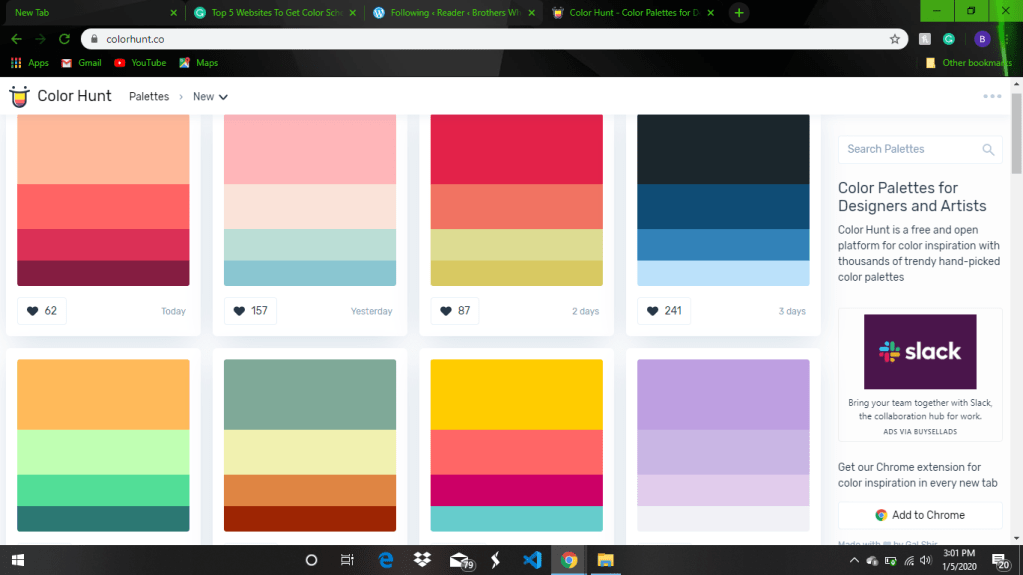
Number 3: Color Hunt, with this website you can search for lots of different color schemes and find the one that’s right for your website. (like this)

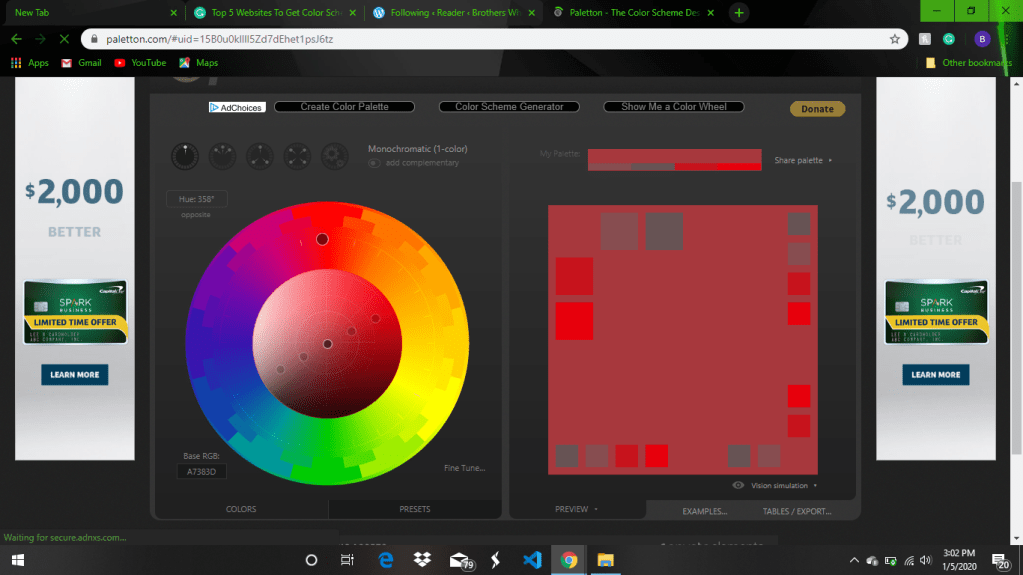
Number 4: Paletton, Paletton is the ultimate color scheme/color generator, it’s awsome color wheel will give you the most accurate
color experience you need as a developer. (like this)

Last but not least, Number 5: Color Mind, Color Mind is an AI-powered color generator put one color in it will do the rest.

Brotherswhocode

How To Install Git On Windows

Hi, it’s Ajani from Brotherswhocode and I’ll be showing you how to install git on Windows.

First, open up your web browser and type in git that will take you to the website.

Then press download for Windows, after the download is complete, open up ubuntu and type sudo apt-get install git.

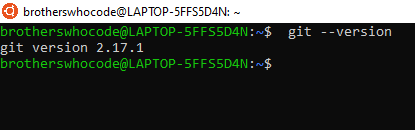
Then you want to type git – -version. once you have everything installed type git config – -global user.name ‘your name’ then type git config – -global user.email ‘your email’.
And that’s it!

Thank You https://brotherswhocode.dev

How To Make A Header Using HTML & CSS

Hey, Its Hasani from Brotherswhocode, today I’m Going to show you how to make a header using HTML, CSS. Let’s get started!
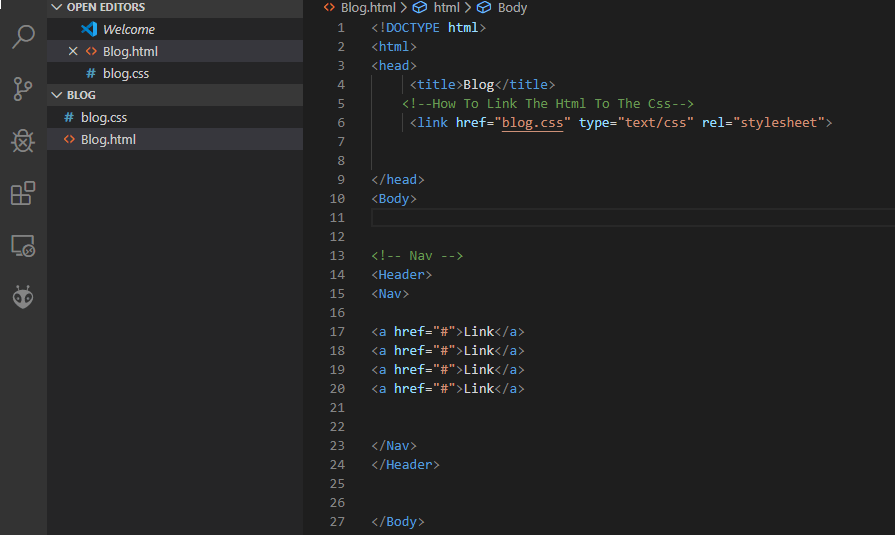
The first thing you need is to create a header tag, then create a Nav tag and A tag. Once you have all the tags in order, then put all your content in the A tag.

Next, you need to switch to your CSS file, which is connected to the Html through the link tag. (Which Looks Like This)

Once you’re in the CSS make a nav selector, then inside the selector put display grid and grid template columns. (Like This)

That’s how you make a header in Html and CSS.
Brotherswhocode

https://brotherswhocode.dev/

Design a site like this with WordPress.com
Get started