
Hey guys Hasani Here and, today I will show you a new way to move your Html elements rotation.
Just to let you know you, can rotate any element in the Html, So on to how to do it first in the CSS target, the Element you want to Rotate, Next put in the transform property, and put Rotate like this.
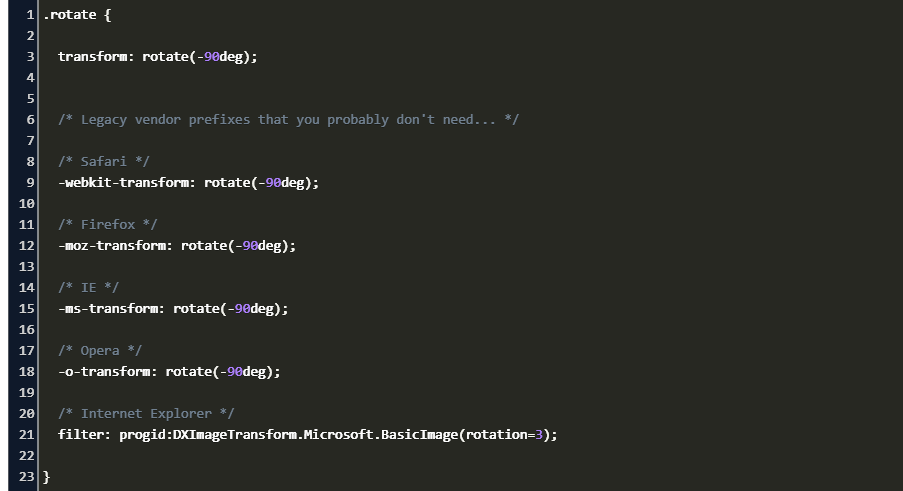
There will be many types of rotates like rotateY rotateX rotateZ and rotate3d all of them can be put in the transform property.
RotateY is for up and down, rotateX is for Left also right and, rotateZ is for z-index.
So you can choose which one to use inside the rotate is next to the number of degrees you want to rotate, for example, 20deg is what you put in to turn is 20degs this works for all of them and, your code should look like this.
any way that it for this blog thanks for reading if you want more content check out our youtube channel at https://www.youtube.com/channel/UCJmvf2Gv1SYE1jCf4_r9L6w
and check out Thehomeschooldev at https://www.youtube.com/channel/UCfocQtlJs-Mreuc0EAJQ-zg
and remember CODEHARDER365.
 Brothers Who Code