
Hi Ajani here and I’ll be showing you how to start a PHP website
First, you have to install Mamp, VScode. Create a project folder call it whatever you want, Then open it in VScode and make an Index.Php File.
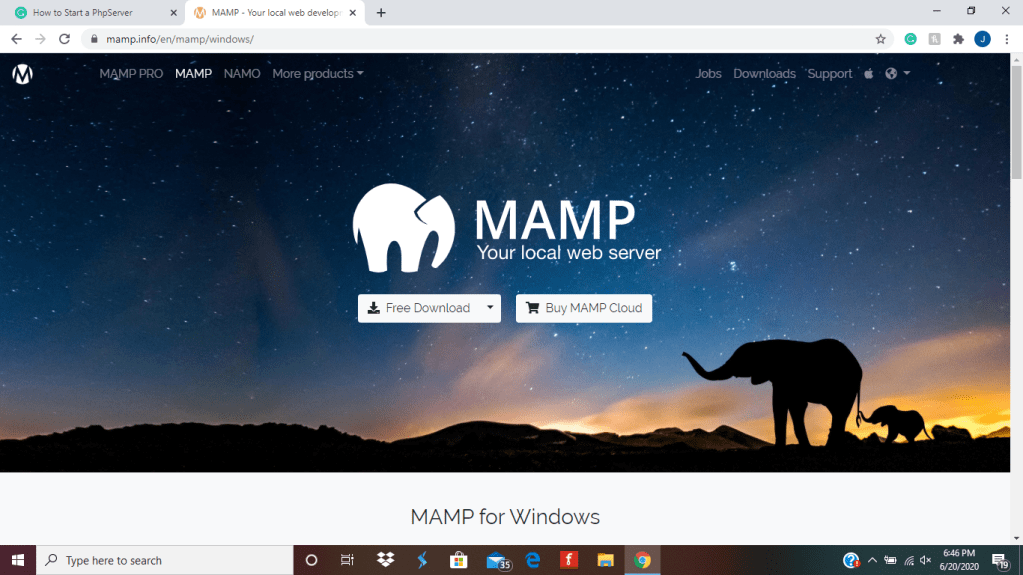
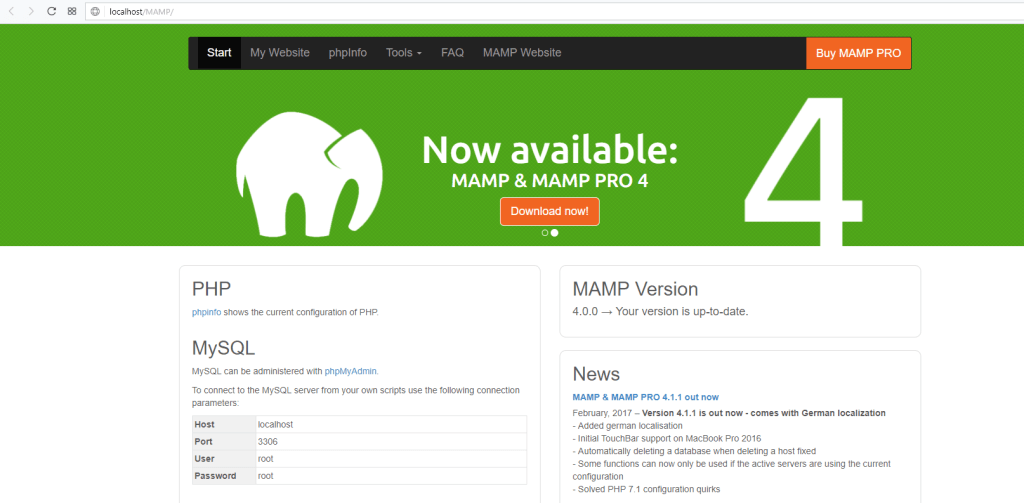
Once Installed go to Mamp on the top left corner press preferences after that go to WebServer, Set your Document Root to the Project you created, after that start the servers it should look like this, press open Web Start Server backspace /MAMP/ and put https://localhost:8888/ after that open vscode then open your folder you made, and in the file put
<?PHP
?>
put all your HTML and CSS in that one file inside that tag,
brotherswhocode brotherswhocode.dev
 Brothers Who Code