
Hey, guys today using PHP we will store user data from forms, but before that, we need to set up a database in ubuntu (Before You Follow the steps install ubuntu and PHP)
Step 1: First Open ubuntu next type “npm install sudo” then type “npm install mysql” for the database, next just wait for them to install.

Step 2: Next, run “sudo apt install mysql-server” then you want to start the MySQL with “sudo service mysql start;” and Enter your password.

Step 3: Next type “sudo mysql -u root -p;” then enter your password if you did everything right then you will have this “mysql>”.
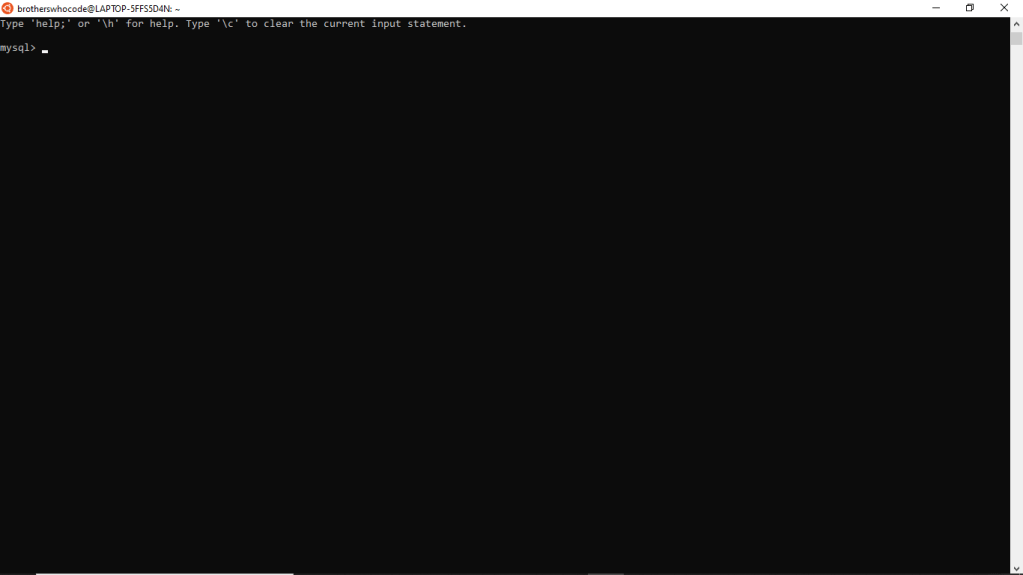
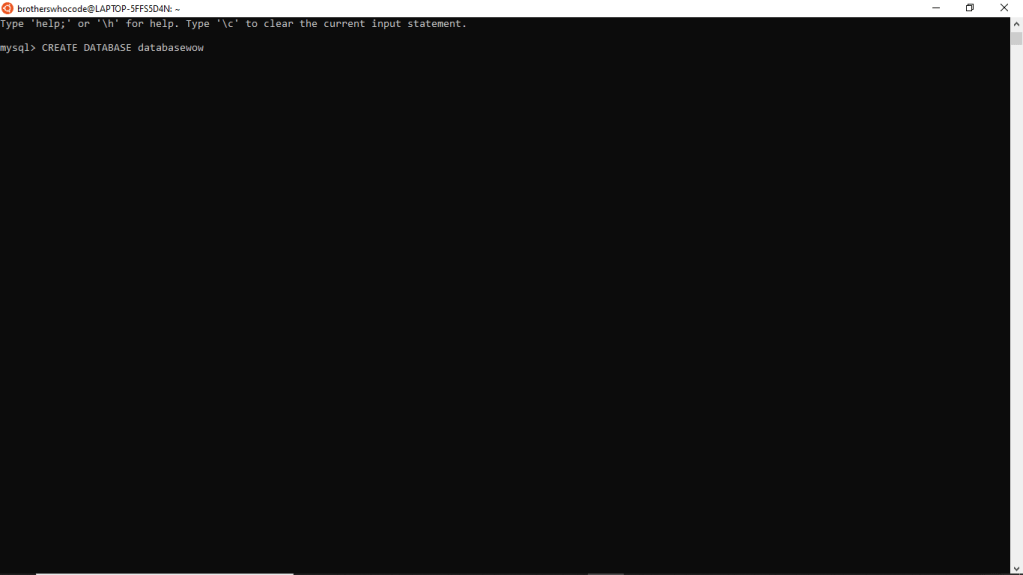
Step 4: Now you need to create an easy database first you need to say “CREATE DATABASE name;” make sure that Create and Database is uppercase, then to make sure its created do “SHOW DATABASE;” the name of your database is going to popup.
Step 5: This is the last step first go to your PHP website next in the PHP code and put “<?PHP
$dbservername = “localhost”;
$dbusername = “root”;
$dbpassword = “Password”;
$dbname = “Name”;
$conn = mysqli_connect($dbservername, $dbusername, $dbpassword, $dbname);
if ($conn->connect_error) {
die(“Connection failed: ” . $conn->connect_error);
}
echo “
echo “
Connected successfully
“;
“;
?>” to connect to database, Now for the form put
“<?PHP
include_once “C:\Documents\projects\php\database.php”;
if($_SERVER[‘REQUEST_METHOD’] == “POST”){
$email = $_POST[“email”];
$password = $_POST[“password”];
$User_name = $_POST[“User_name”];
$submit = $_POST[“submit”];
}
?>
HTML:
Username
Password
“
Thanks for reading, visit our webpage Brotherswhocode.dev.
 Brothers Who Code