
Hi, it’s Ajani from Brotherswhocode and I’ll be showing you how to install git on Windows.
First, open up your web browser and type in git that will take you to the website.
Then press download for Windows, after the download is complete, open up ubuntu and type sudo apt-get install git.

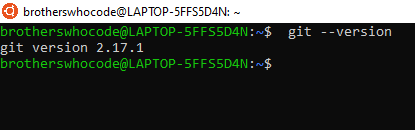
Then you want to type git – -version. once you have everything installed type git config – -global user.name ‘your name’ then type git config – -global user.email ‘your email’.
And that’s it!

Thank You https://brotherswhocode.dev
 Brothers Who Code